
From a stranger's phone to your front door
Petyhub replaces an engraved phone number with a living profile you control. Here's the whole journey, step by step.
1. Register your pet
Add a photo, breed, medical notes and special handling instructions. Decide exactly which details a finder may see.
2. Get your smart tag
Choose a tag, and we ship it with a unique code such as PET-8F3K92 laser-etched onto the surface.
3. Attach and activate
Clip it on, then activate the tag in your dashboard and connect it to your pet in one tap.
4. Someone finds your pet
They point their camera at the QR code, or tap the tag with an NFC phone. No app to download.
5. The profile opens instantly
Your pet's name, photo and any medical alerts appear — plus a giant Contact Owner button.
6. You're notified
You get an alert with the finder's message and location, while your own details stay private.
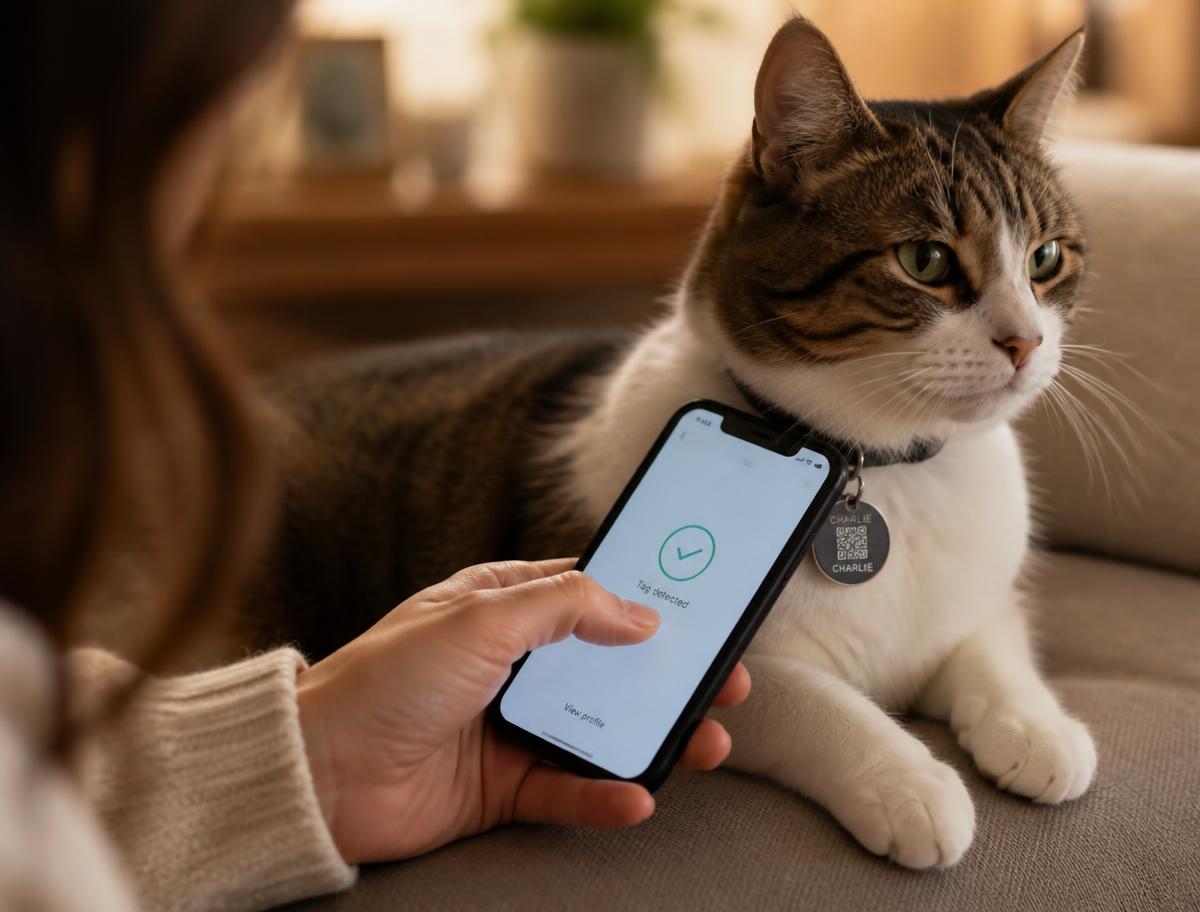
The finder experience
Three taps, zero friction
Finders never create an account. They see the pet, they see one button, and they act.
- 1Scan the QR code or tap the NFC tag
- 2See the pet's profile and any lost-pet alert
- 3Tap Contact Owner or I Found This Pet
Privacy
Your pet is public. You are not.
Phone number, email and home address are hidden by default. Finders reach you through a safe form that notifies you instantly.